

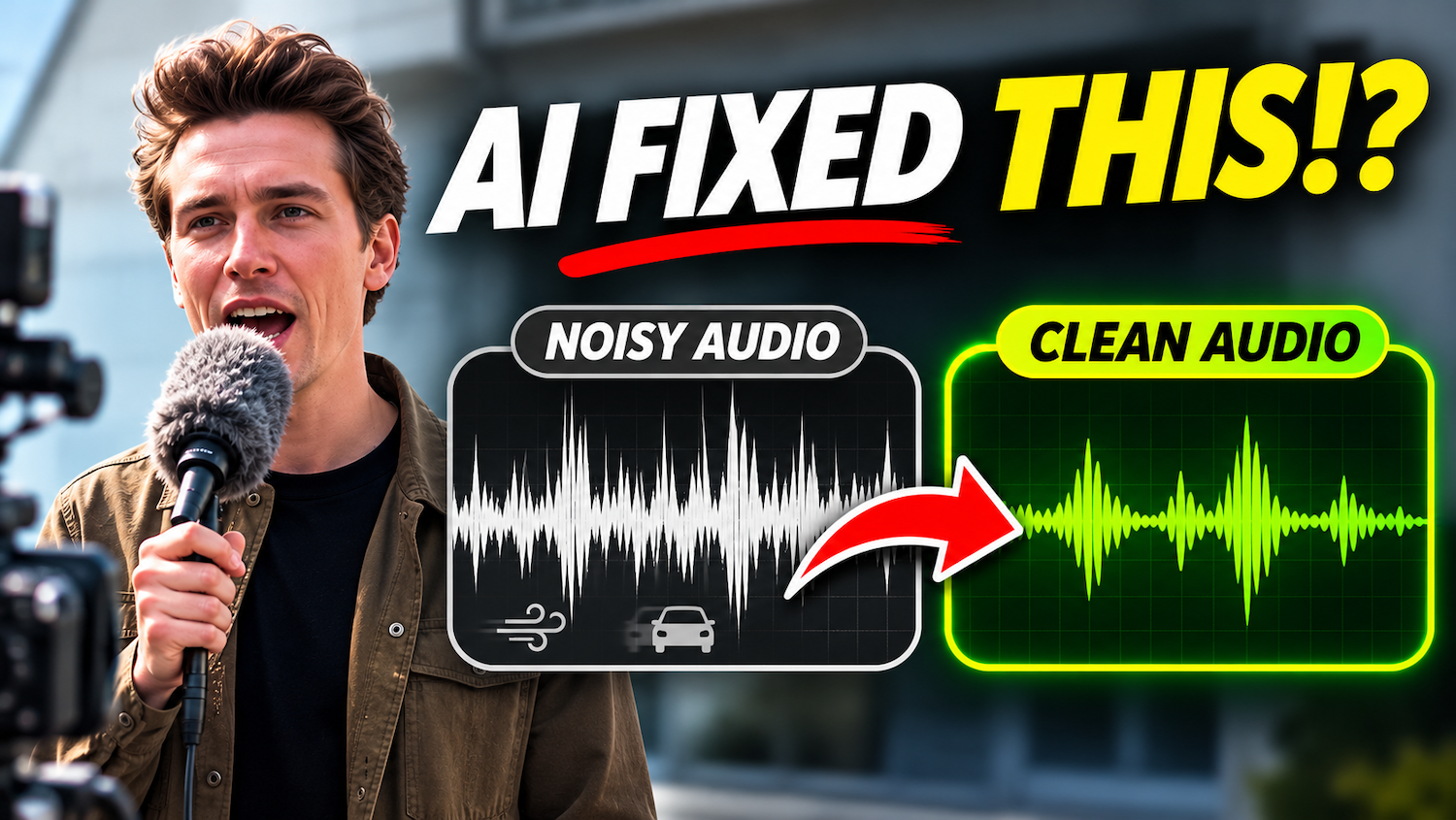
A great take can be ruined by a passing truck.
Anyone who records interviews or narration on location knows how wind, traffic, ventilation and nearby chatter compete with the voice. ElevenLabs’ Voice Isolator offers background noise removal for audio and video files, separating speech from the sounds around it so dialogue stays usable without a reshoot.
The tool is only part of the job. What decides whether the result sounds believable is how the clip was recorded, which problems get cleaned and how the finished voice sits back in the scene. Handled in that order, those choices rescue more footage than any single setting.
Identify the Noise Before Processing
Different sounds need different treatment. A steady air-conditioning hum behaves nothing like a passing vehicle, a nearby conversation or a wind rumble. Listen through the recording on headphones, mark where speech becomes hard to follow and note whether the noise covers the whole clip or only certain moments.
Picture an outdoor interview beside a busy road. It may hold constant traffic, the occasional horn and people talking in the distance. Stripping every trace of that ambience can make the scene feel disconnected, so aim for dialogue a listener follows easily with a hint of the street left underneath.
Prepare Location Audio for Cleanup
Keep an untouched copy of the original recording. If separate microphone tracks exist, compare them before processing the mix. A lavalier microphone often captures a cleaner voice than the camera-mounted microphone, even when both ran at the same time.
Check for clipping, handling noise and heavy wind distortion. Noise reduction cannot restore speech that was never captured clearly, and it can alter a recording that was already clean. In a two-microphone interview, compare the lavalier and boom tracks and pick the clearest source before applying anything else.
Use Voice Isolation on Difficult Dialogue
Automated isolation helps most when environmental sounds overlap with speech. A documentary interview recorded beside a road may hold enough usable dialogue to avoid a reshoot, provided the voice was captured at a decent level.
Upload the original audio or video, process it and listen to the result before it goes onto the editing timeline. ElevenLabs lists WAV, MP3, FLAC, OGG and AAC among the audio formats it accepts, with a limit of 500MB or one hour per file on paid plans, so split longer recordings first. The free plan is for personal use only, and commercial projects need a paid plan. Review the output carefully, especially where speakers talk over each other. Clean output still needs a critical ear, because clear and natural are different tests.
Preserve the Voice and the Scene
The cleanest waveform is not always the best one. Heavy processing can damage consonants, breaths and vocal texture. Listen for metallic-sounding syllables, clipped word endings and sudden shifts in tone, and compare the processed clip with the original at the same listening level. If the voice sounds clearer but less natural, blend a little of the original back in under the cleaned track, or try another source track.
Room tone matters too. A conversation recorded in a café should not suddenly sound as if it happened in a silent studio. Keep a separate ambience track where possible and blend it beneath the cleaned dialogue, which preserves the character of the location while the speaker stays easy to hear.
Carry Clean Dialogue Through Post-Production
Clear dialogue gives transcription, subtitles and multilingual dubbing a better starting point. Editors preparing international versions can work from an intelligible source before adapting the script and recording voice-over narration.
Realistic text-to-speech can also cover revised narration or short pickup lines when another recording session is impractical. The delivery should match the intended emotion and pacing, so preview short passages before rendering longer sections and adjust pronunciation and emphasis as needed.
Check the final audio on headphones, speakers and a phone. Listen for leftover noise, unnatural voice changes and uneven levels. Automated tools shorten the cleanup, and the editor’s ear decides whether the finished clip is believable.


0 Comments